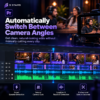

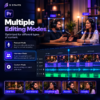
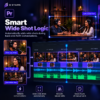
Automatically Edit Multi-Camera Podcasts
Stop spending hours manually cutting between cameras.
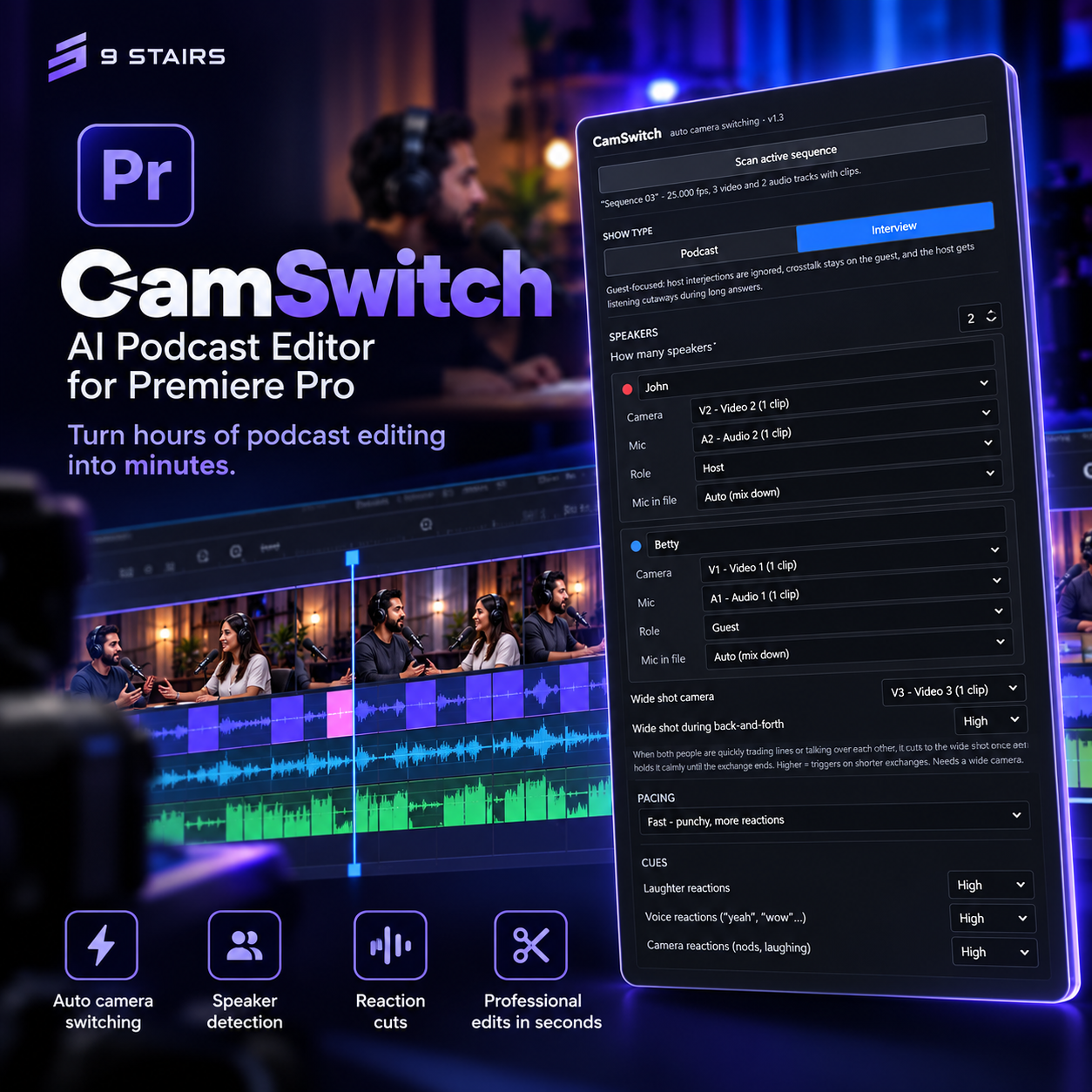
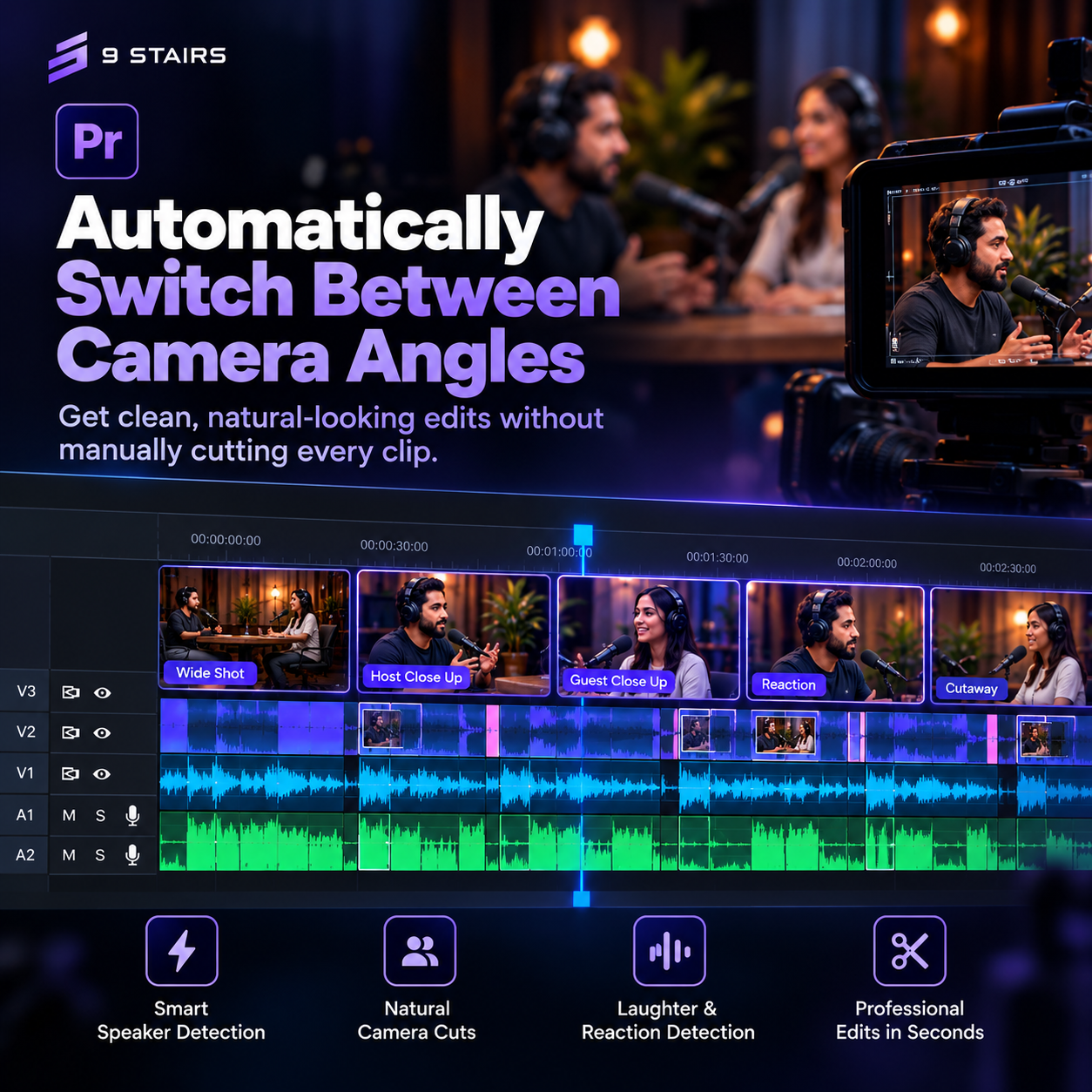
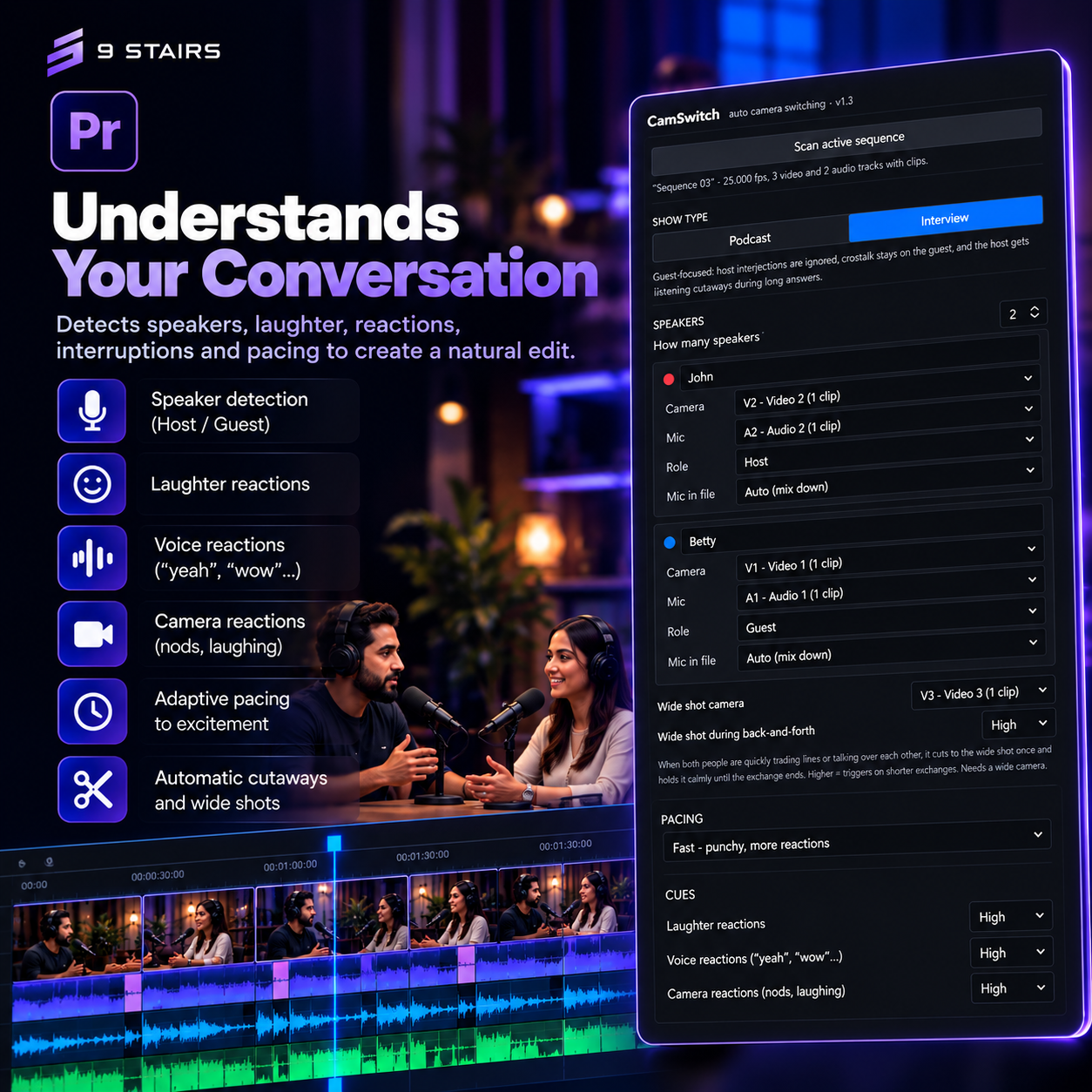
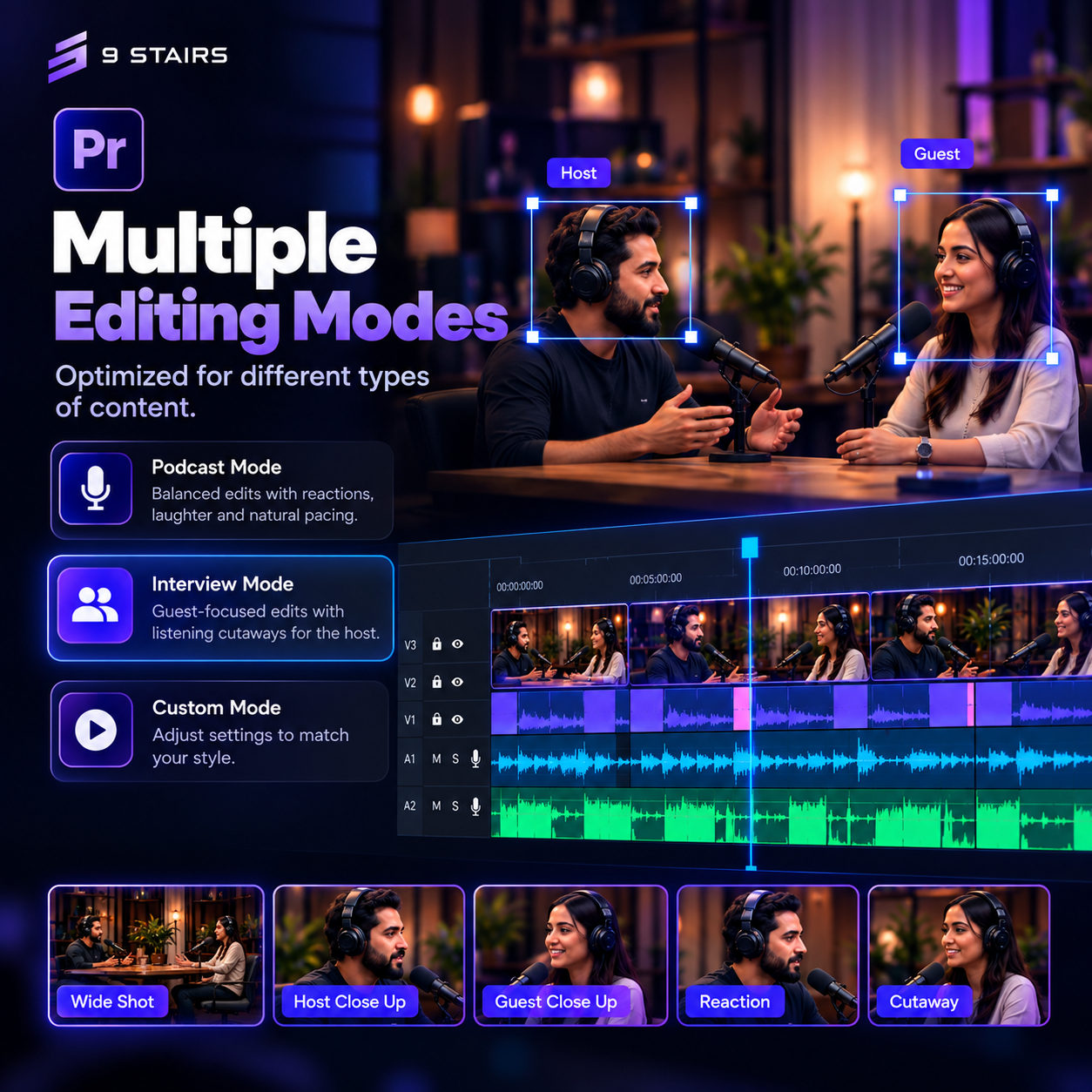
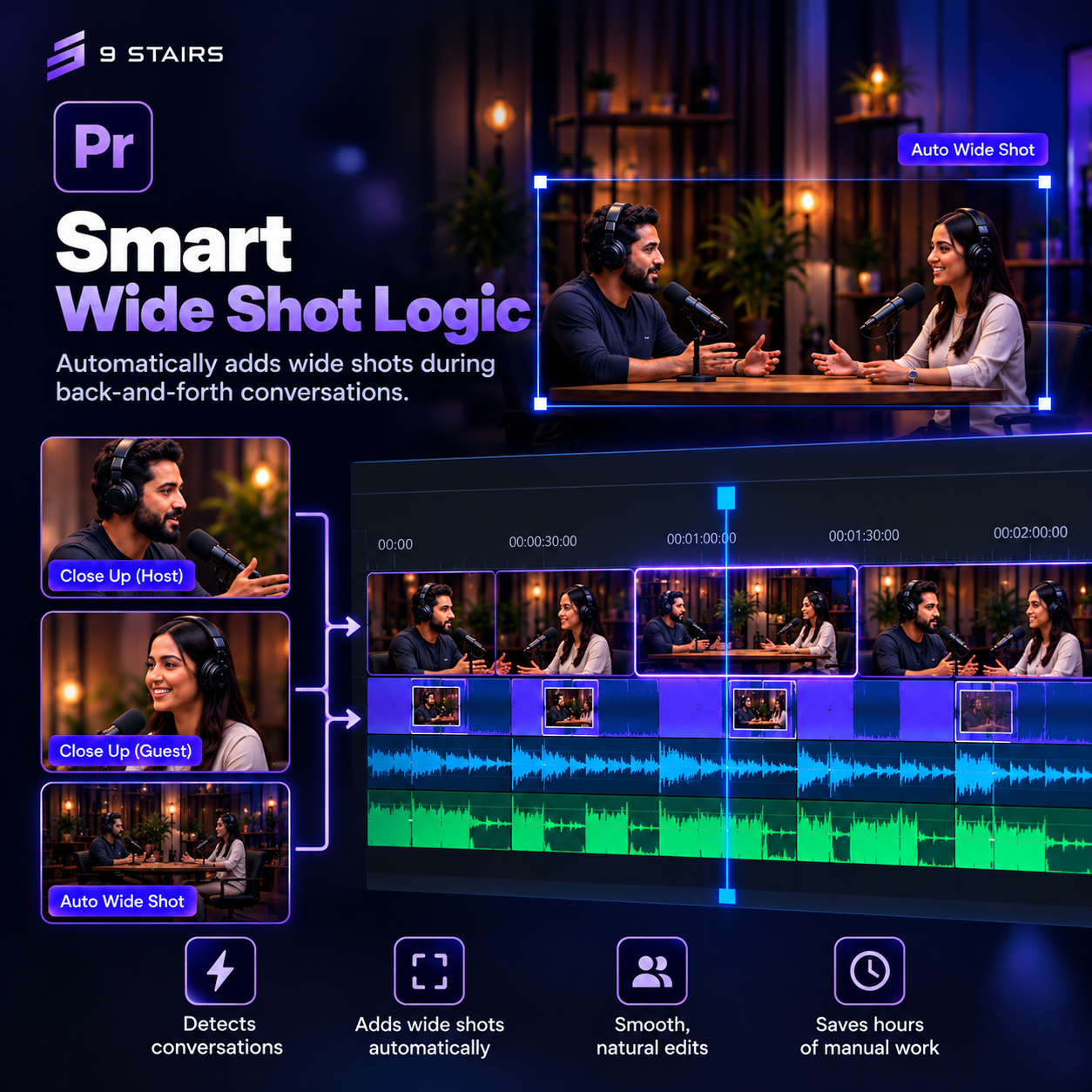
CamSwitch is a Premiere Pro plugin that automatically switches camera angles throughout your podcast, giving you a natural-looking edit in just a few clicks.
Whether you’re editing interviews, YouTube podcasts, business conversations, or educational content, CamSwitch removes the repetitive work so you can focus on storytelling.
No exporting.
No After Effects.
No complicated workflows.
Note: Only for Windows
Everything happens directly inside Premiere Pro.
Why CamSwitch?
Traditional podcast editing requires editors to:
- Watch the entire conversation
- Manually cut every camera angle
- Constantly switch viewpoints
CamSwitch automates this entire process, reducing editing time from hours to minutes.
Key Features
Automatic Camera Switching
Generate intelligent camera cuts across multiple angles automatically.